 Gemini
Selfie to Professional LinkedIn Headshot Conversion
LinkedIn Headshot

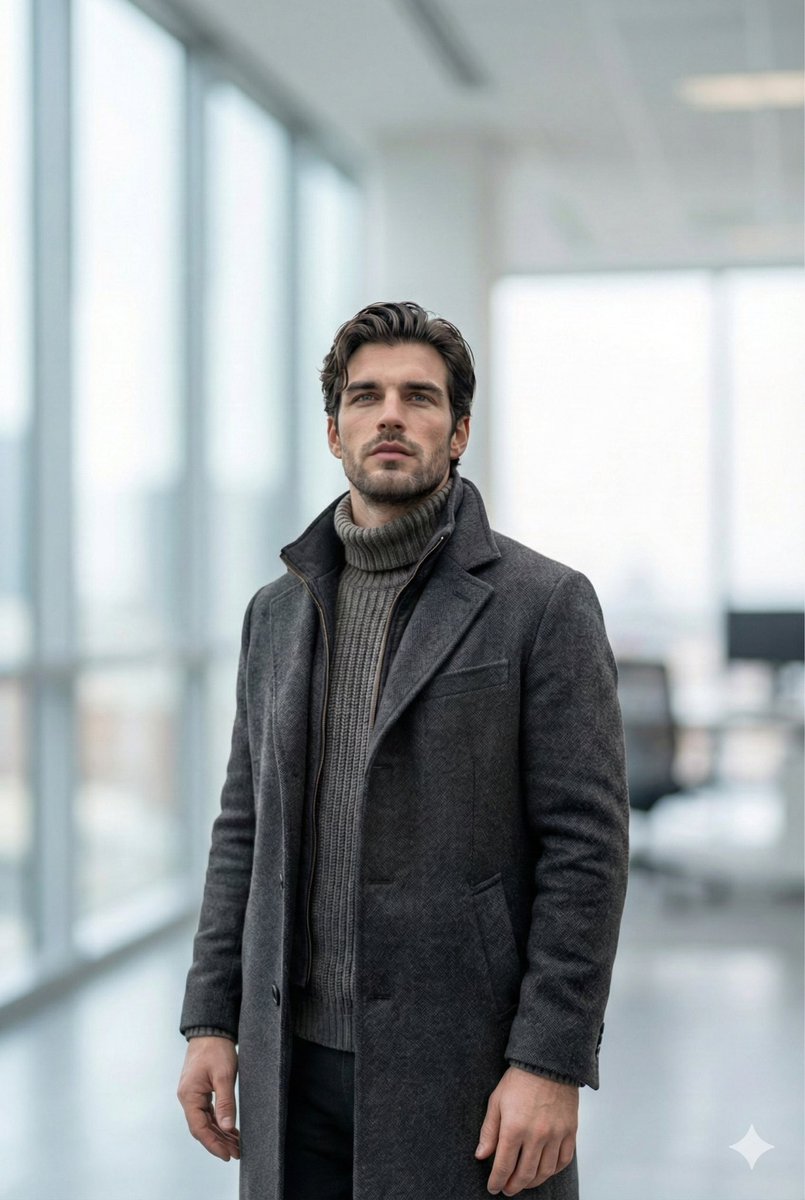
Use this prompt in Gemini to restyle your own photo as a selfie to professional headshot without losing your likeness. Key details in the prompt: the subject in a suit, a photo studio, rim lighting and 85mm portrait lens. It includes face-lock instructions so your facial features, skin tone and expression stay the same.
Keep the facial features consistent with the reference image. Dress the subject in a navy business suit and white shirt. Dark gray studio background with subtle vignette. Three-point lighting with soft shadows, rim light separation, 85mm lens, realistic skin texture, natural eye catchlights.
Copy the prompt
Tap "Copy prompt" to copy all 43 words exactly as written.
Upload your photo
Open Google Gemini (gemini.google.com) and pick Nano Banana / "Create image", tap the + button and attach one sharp, well-lit photo where your face is clearly visible.
Paste and generate
Paste the prompt and send it. Ask for a 1:1 aspect ratio if the tool does not pick it automatically.
Refine with follow-ups
Ask for small changes in the same chat — "make the lighting warmer" or "change the outfit colour to black" — instead of rewriting the prompt.
Pro tip: Run this prompt in Google Gemini's multimodal interface. Add subtle micro-detail modifiers or upload an optional framing reference for maximum consistency.
Yes. You can copy the full selfie to professional headshot prompt on Hixa for free and use it in Google Gemini, ChatGPT or any other AI image tool. No signup is needed.
It is written to keep your facial features, skin tone and expression the same as your uploaded photo. For the best likeness, use a sharp, front-facing photo in good light. If the face drifts, reply with "keep my face exactly the same as the uploaded photo".
It is written for Google Gemini's Nano Banana Pro image model. It also works in ChatGPT image generation and most modern AI image tools, though results vary between models.
The prompt is designed for 1:1. Use 4:5 for Instagram feed posts and 9:16 for Reels or Stories.
Similar styles people copy with this one
Gemini Gemini
 Gemini
 Gemini
 Gemini
 Gemini
 Gemini
 Gemini
 Gemini
 Gemini
 Gemini
 Gemini