 Gemini
Selfie to Professional LinkedIn Headshot Conversion
LinkedIn Headshot
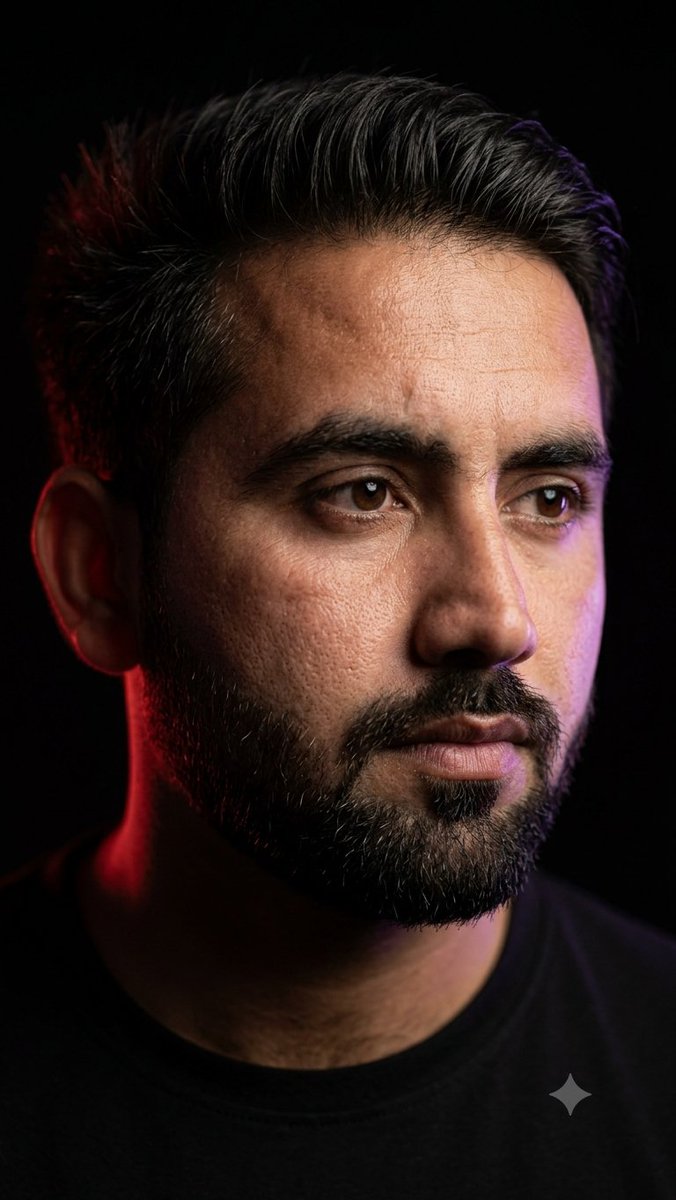
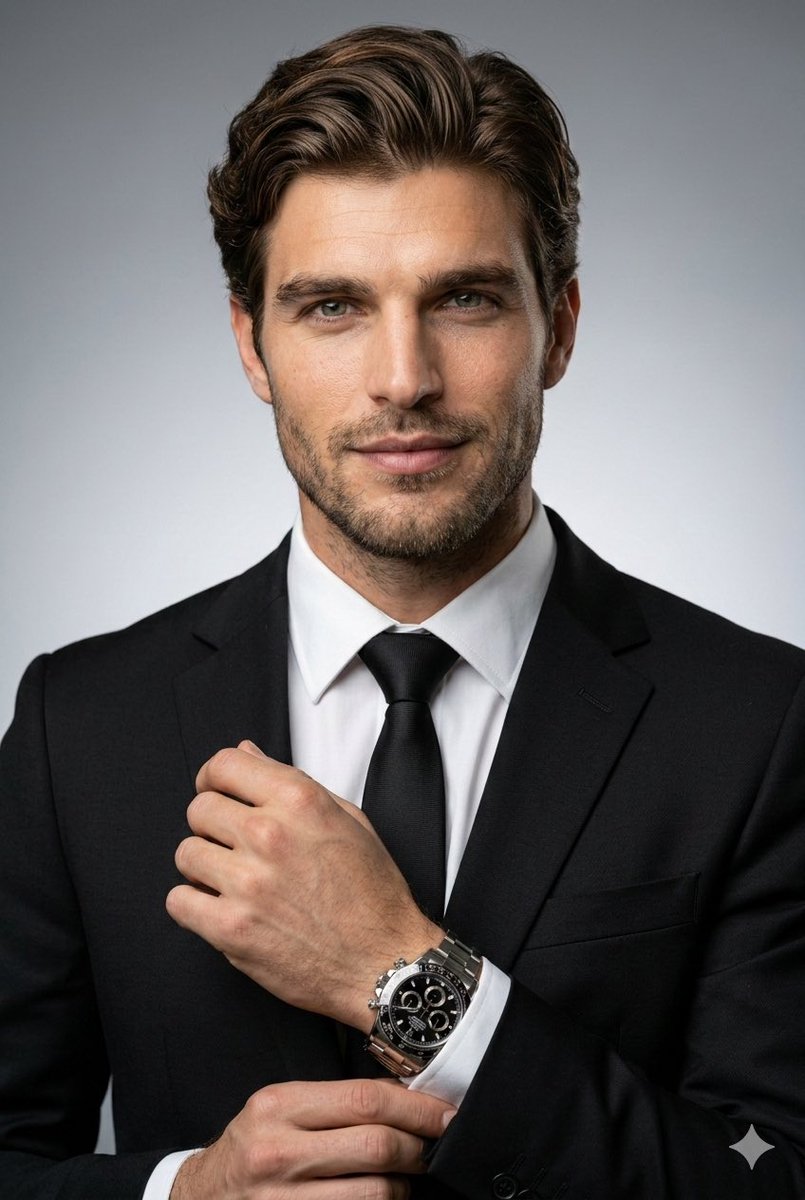
Upload a single selfie and this Nano Banana Pro prompt rebuilds it as a cinematic rembrandt studio headshot. The prompt locks in a man as the main subject, a photo studio, rim lighting and volumetric light and 85mm portrait lens and shallow depth of field, so you get a consistent, share-ready result. Identity-preservation wording is built in, so the edit changes the scene — not your face.
Use my uploaded photo as the exact face reference. Preserve my facial features, beard, hairstyle, skin tone, and identity exactly. Create an ultra-realistic cinematic studio headshot with {argument name="lighting" default="dramatic Rembrandt lighting"}. {argument name="background" default="Black background with soft red rim light and subtle purple accent light"}. {argument name="expression" default="Looking to the side with an intense expression"}. 85mm lens, f/1.4, razor-sharp eyes, natural skin texture, high contrast, Hollywood color grading, volumetric lighting, ultra-realistic 8K, DSLR quality, no watermark, no text, no face alteration.
Copy the prompt
Tap "Copy prompt" to copy all 82 words exactly as written.
Upload your photo
Open Google Gemini (gemini.google.com) and pick Nano Banana / "Create image", tap the + button and attach one sharp, well-lit photo where your face is clearly visible.
Paste and generate
Paste the prompt and send it.
Refine with follow-ups
Ask for small changes in the same chat — "make the lighting warmer" or "change the outfit colour to black" — instead of rewriting the prompt.
Pro tip: An ultra-realistic studio headshot prompt utilizing Rembrandt lighting and a sharp 85mm lens focus for cinematic results.
Yes. You can copy the full cinematic rembrandt studio headshot prompt on Hixa for free and use it in Google Gemini, ChatGPT or any other AI image tool. No signup is needed.
It is written to keep your facial features, skin tone and expression the same as your uploaded photo. For the best likeness, use a sharp, front-facing photo in good light. If the face drifts, reply with "keep my face exactly the same as the uploaded photo".
It is written for Google Gemini's Nano Banana Pro image model. It also works in ChatGPT image generation and most modern AI image tools, though results vary between models.
Use 4:5 for Instagram feed posts, 9:16 for Reels and Stories, and 16:9 for YouTube thumbnails. Add the ratio at the end of the prompt.
Similar styles people copy with this one
Gemini Gemini
 Gemini
 Gemini
 Gemini
 Gemini
 Gemini
 Gemini
 Gemini
 Gemini
 Gemini
 Gemini