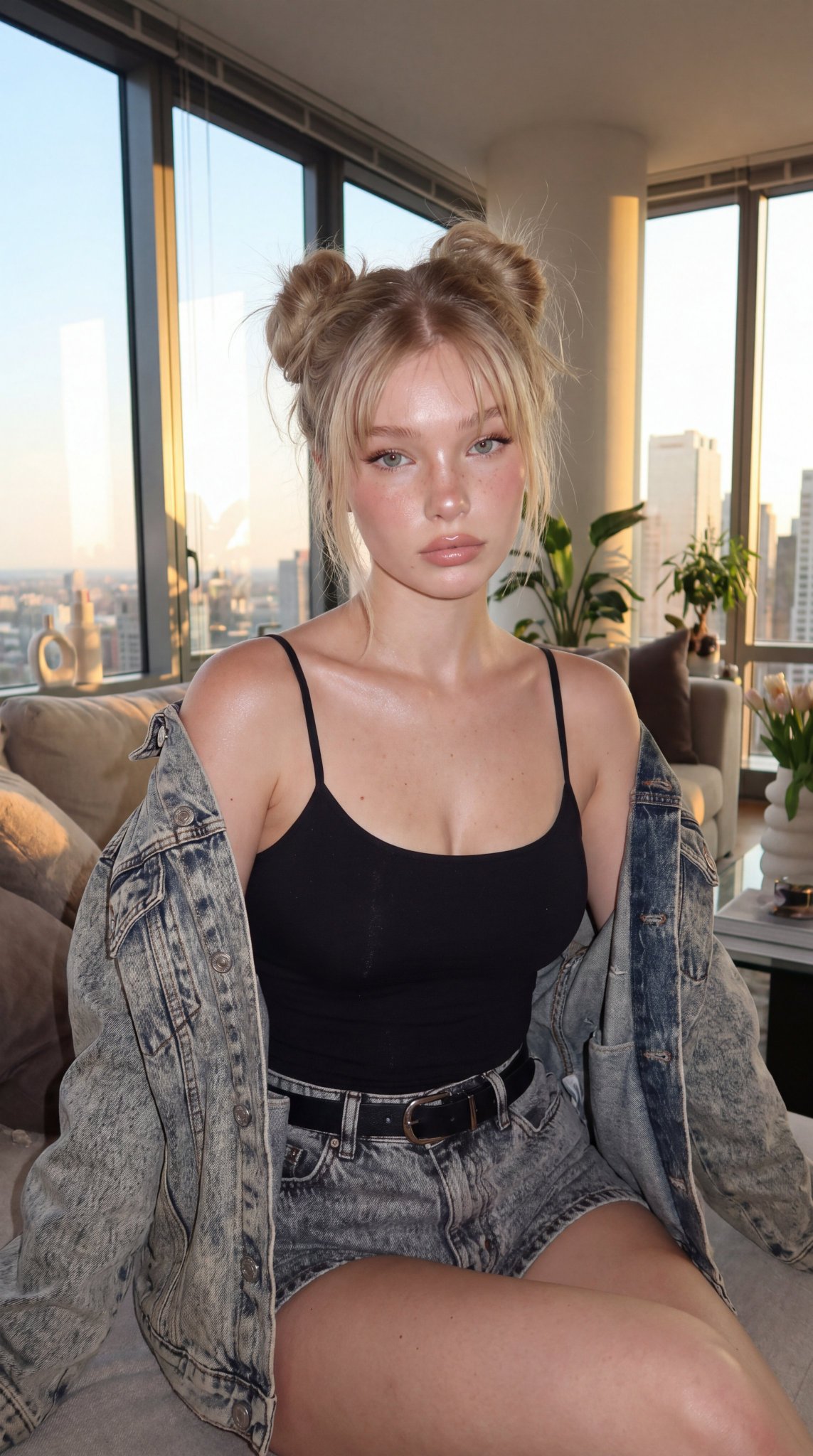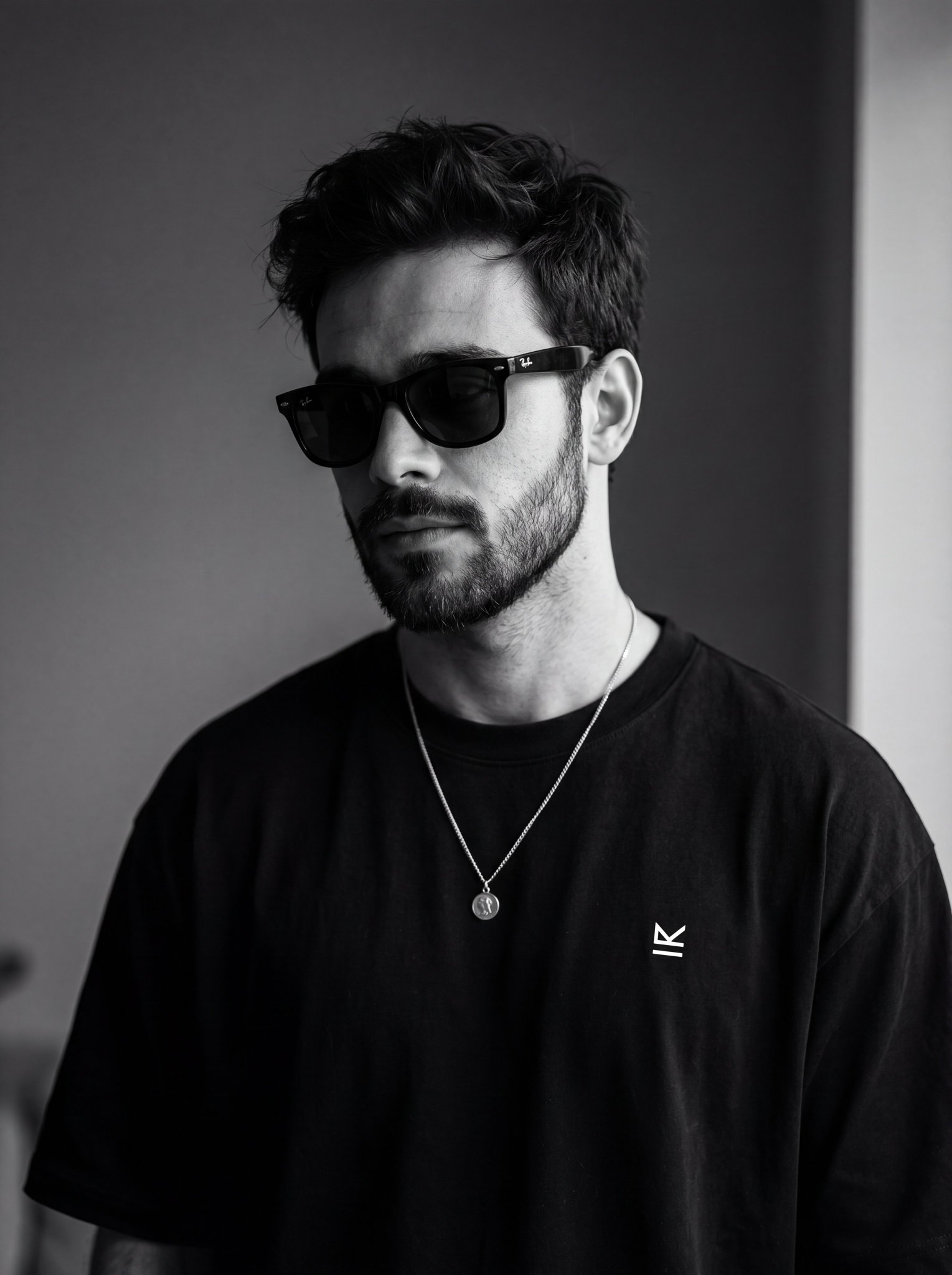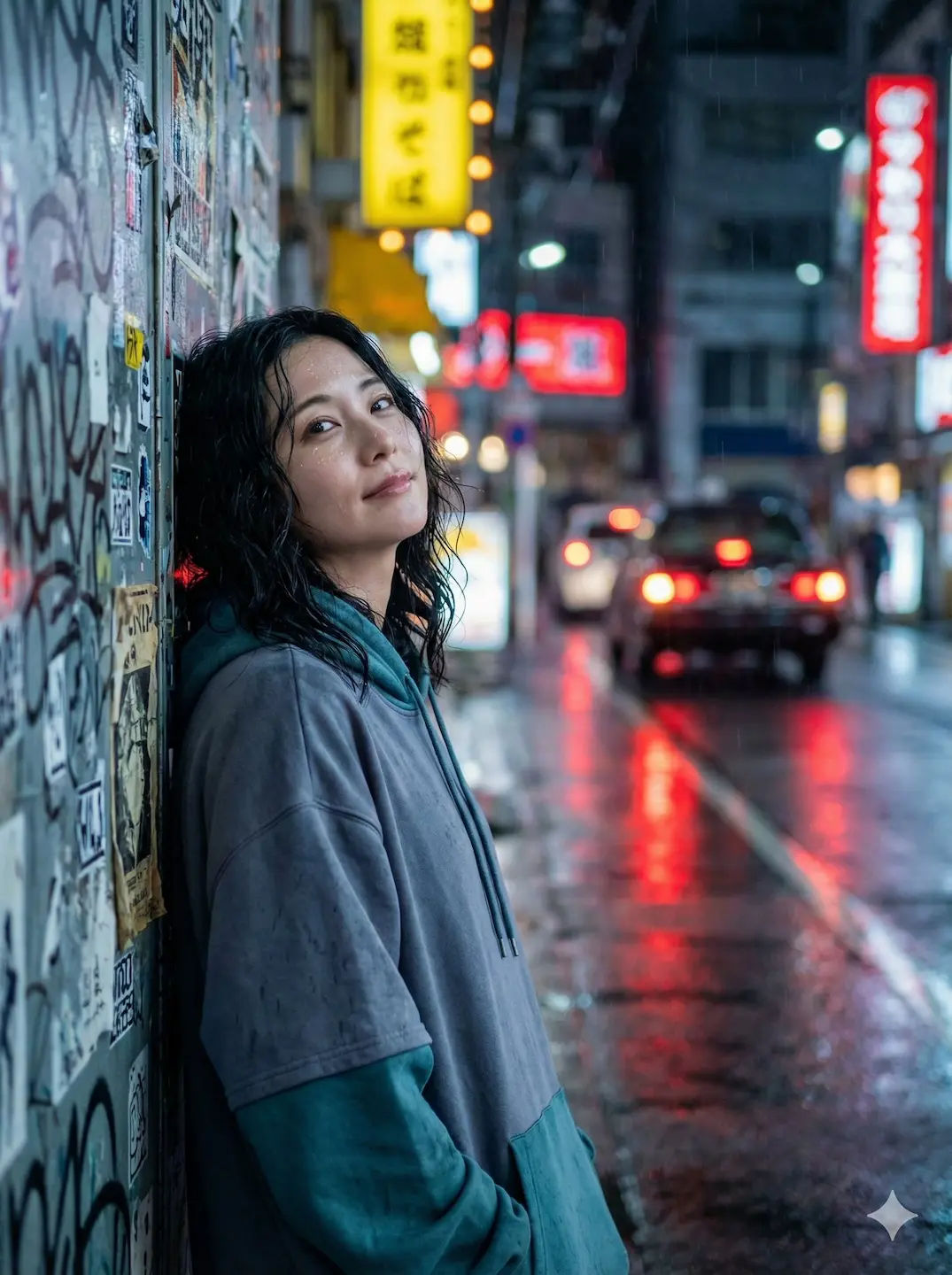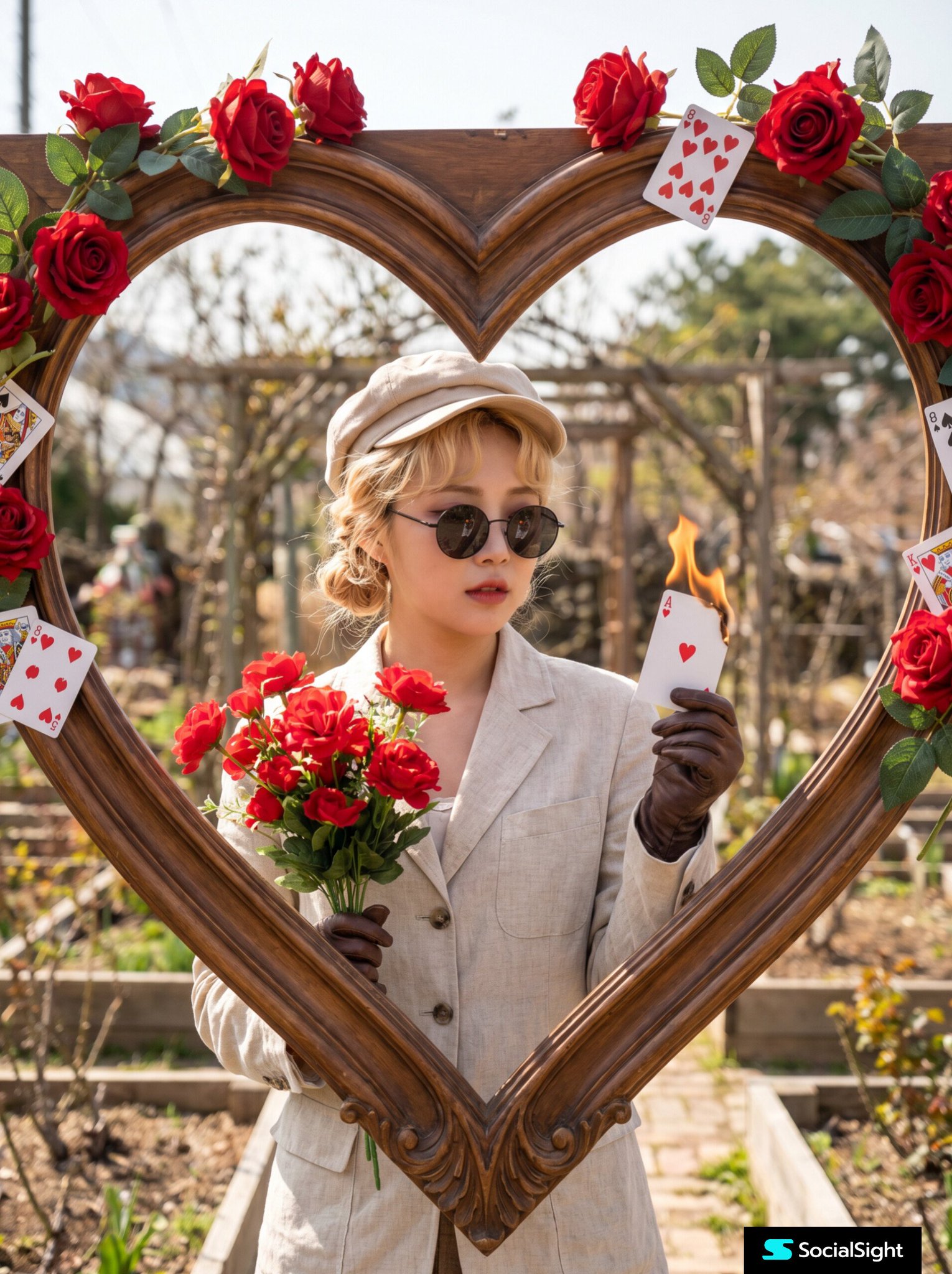
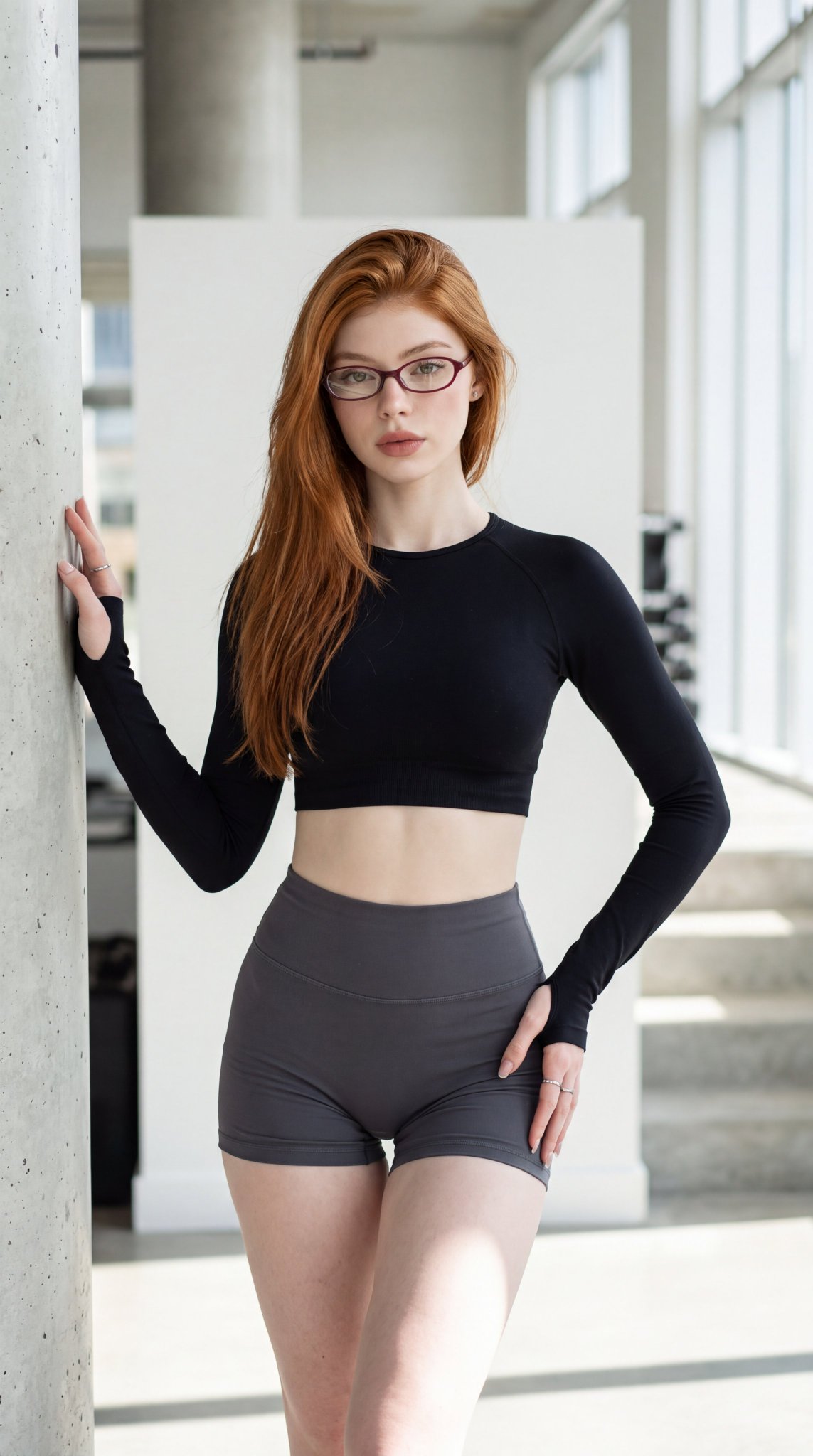
Ultra-realistic luxury wellness editorial portrait of a young woman with long naturally wavy copper-red hair swept over one shoulder, soft side part, silky texture, subtle flyaways, and natural volume. Warm ivory skin with visible pores, realistic skin texture, natural freckles across the cheeks, nose, shoulders, and arms, authentic facial vellus hair, luminous healthy complexion, soft rosy blush, feathered brows, champagne shimmer eyeshadow, delicate fox-eye eyeliner, wispy lashes, glossy nude-pink lips with realistic lip texture, and bright blue-gray eyes. Wearing slim burgundy oval eyeglasses, a premium black seamless long-sleeve athletic cropped top with thumbholes, and charcoal-gray high-waisted sculpting compression shorts. Minimal silver rings and clean nude manicure. Standing naturally beside a smooth exposed concrete column, one hand resting lightly against the pillar while the opposite hand rests on her upper thigh, maintaining relaxed posture and making direct eye contact with a calm, confident expression. Modern luxury Pilates and wellness studio featuring floor-to-ceiling windows, polished concrete architecture, white walls, soft natural daylight, hardwood flooring, minimalist interior, and softly blurred premium fitness equipment in the background. Captured with a Sony A7R V and an 85mm f/1.4 GM lens. Soft natural window light creates realistic highlights, subtle shadows, premium athletic contrast, and a clean editorial atmosphere. Alo Yoga × Lululemon campaign aesthetic, luxury wellness photography, Kodak Portra-inspired skin tones, realistic skin rendering, DSLR-quality sharpness, high-frequency skin detail, RAW photo, ultra photorealistic, 8K. cartoon, anime, CGI, painting, beauty filter, plastic skin, wax skin, excessive skin smoothing, fake pores, blurry face, blurry eyes, low resolution, noise, grain, watermark, text, logo, distorted anatomy, extra limbs, extra fingers, malformed hands, unrealistic body proportions, duplicate reflections, duplicate equipment, oversaturated colors, clipped highlights, low-detail hair