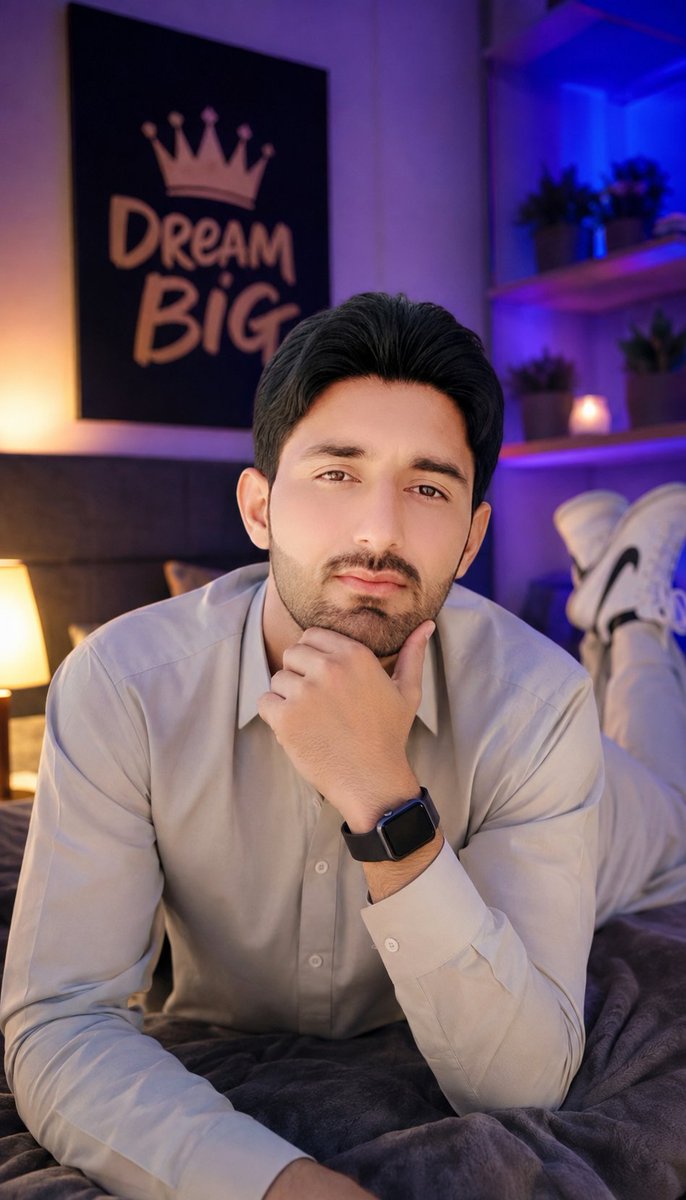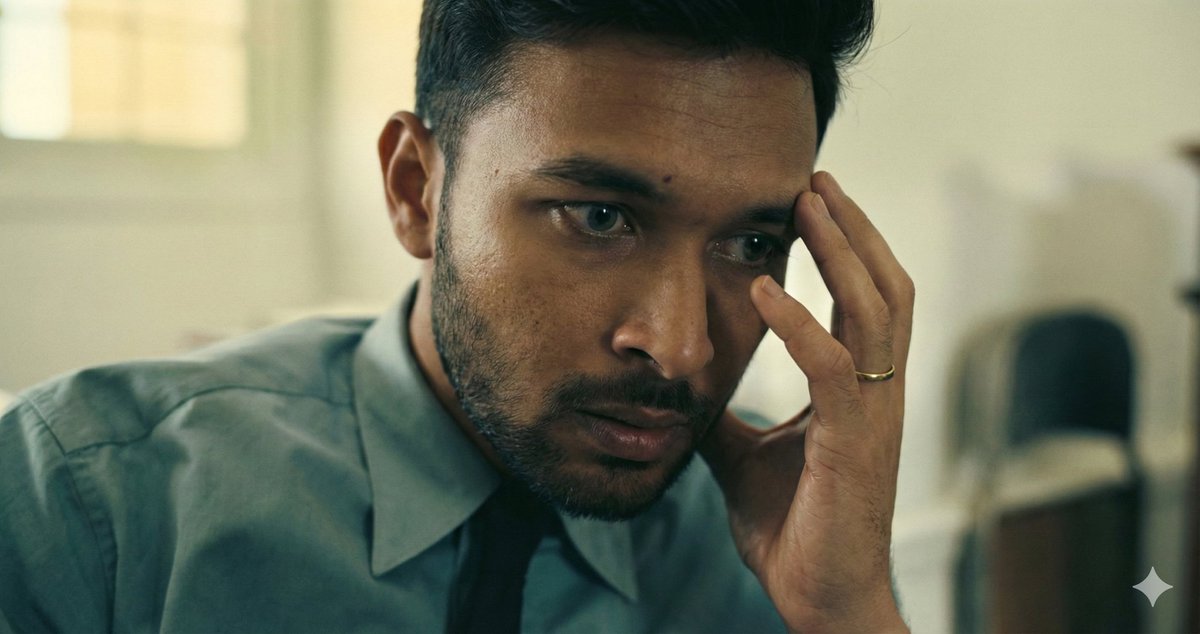
Oppenheimer Scene Face Swap and Restoration – in a temple setting, AI image made with Nano Banana Pro
Example output · Nano Banana ProCredit: Mahesh

Oppenheimer Scene Face Swap and Restoration Prompt

This Gemini photo editing prompt turns one clear photo of you into a cinematic oppenheimer scene face swap and restoration. It spells out a temple setting and shallow depth of field and film grain, which is why the result looks like a real photograph rather than a generic AI image. It includes face-lock instructions so your facial features, skin tone and expression stay the same.

194 words Needs your photo

Oppenheimer Scene Face Swap and Restoration prompt text

Copy & paste

Use the uploaded Oppenheimer movie frame as the PRIMARY and ONLY scene reference. Reproduce the scene EXACTLY as shown: same interior room and background blur, same soft daylight from camera-left, same muted green–yellow color temperature, same camera angle and proximity (tight close-up), same framing and crop, same shallow depth of field, same outfit (teal shirt, dark tie), same hand-to-temple gesture, same ring on finger, same anxious, mentally strained expression, same posture and head tilt. DO NOT reinterpret the scene. DO NOT change the environment, lighting, or composition. Replace ONLY the face with my uploaded face reference. My face must remain 100% identical: exact facial structure, skin tone, eye shape, nose, lips, jawline, hairline, stubble pattern preserved. Face swap must perfectly match: original head angle, original facial muscle tension, original eye direction, original lighting and shadow falloff. Ultra-realistic cinematic realism. Natural film grain preserved. No stylization, no creative liberty. Aspect ratio: 1.90:1 (IMAX digital frame). Full headroom preserved. No crop, no zoom, no reframing. No background change No lighting change No pose change No hand movement No expression change No color grading No stylization No AI artifacts No face morphing No resemblance to Cillian Murphy

How to use this prompt

  1. 1

    Copy the prompt

    Tap "Copy prompt" to copy all 194 words exactly as written.

  2. 2

    Upload your photo

    Open Google Gemini (gemini.google.com) and pick Nano Banana / "Create image", tap the + button and attach one sharp, well-lit photo where your face is clearly visible.

  3. 3

    Paste and generate

    Paste the prompt and send it.

  4. 4

    Refine with follow-ups

    Ask for small changes in the same chat — "make the lighting warmer" or "change the outfit colour to black" — instead of rewriting the prompt.

Make it your own

  • Location: swap a temple setting for a rainy Mumbai street.
  • Format: add "4:5 aspect ratio" for Instagram posts or "9:16" for Reels.

Pro tip: A highly specific prompt instructing the AI to reproduce an exact frame from the Oppenheimer movie (composition, lighting, expression, outfit, and gesture) and replace only Cillian Murphy's face with an uploaded reference face, demanding ultra-realistic cinematic realism and no creative liberty.

Oppenheimer Scene Face Swap and Restoration prompt — FAQ

Is the oppenheimer scene face swap and restoration prompt free?

Yes. You can copy the full oppenheimer scene face swap and restoration prompt on Hixa for free and use it in Google Gemini, ChatGPT or any other AI image tool. No signup is needed.

Will this prompt change my face?

It is written to keep your facial features, skin tone and expression the same as your uploaded photo. For the best likeness, use a sharp, front-facing photo in good light. If the face drifts, reply with "keep my face exactly the same as the uploaded photo".

Which AI tool works best for this prompt?

It is written for Google Gemini's Nano Banana Pro image model. It also works in ChatGPT image generation and most modern AI image tools, though results vary between models.

What aspect ratio should I use?

Use 4:5 for Instagram feed posts, 9:16 for Reels and Stories, and 16:9 for YouTube thumbnails. Add the ratio at the end of the prompt.

More photo restoration prompts

Similar styles people copy with this one

View all
Sophie Rain High-Fidelity Wet Look Pool Editorial – woman in a swimsuit in a rainy street, AI image made with Nano Banana Pro
Gemini
Hyper-Realistic Cinematic Study of a Fit Korean Girl – woman in a photo studio, AI image made with Nano Banana Pro
Gemini
Enhanced Cinematic Noir Worm's-Eye View – woman in a jacket in a rainy street, AI image made with Nano Banana Pro
Gemini
Hyper-Realistic iPhone Whale Breach Scene – in a photo studio, AI image made with Nano Banana Pro
Gemini
Surreal Maritime Editorial Portrait – woman in a photo studio, AI image made with Nano Banana Pro
Gemini
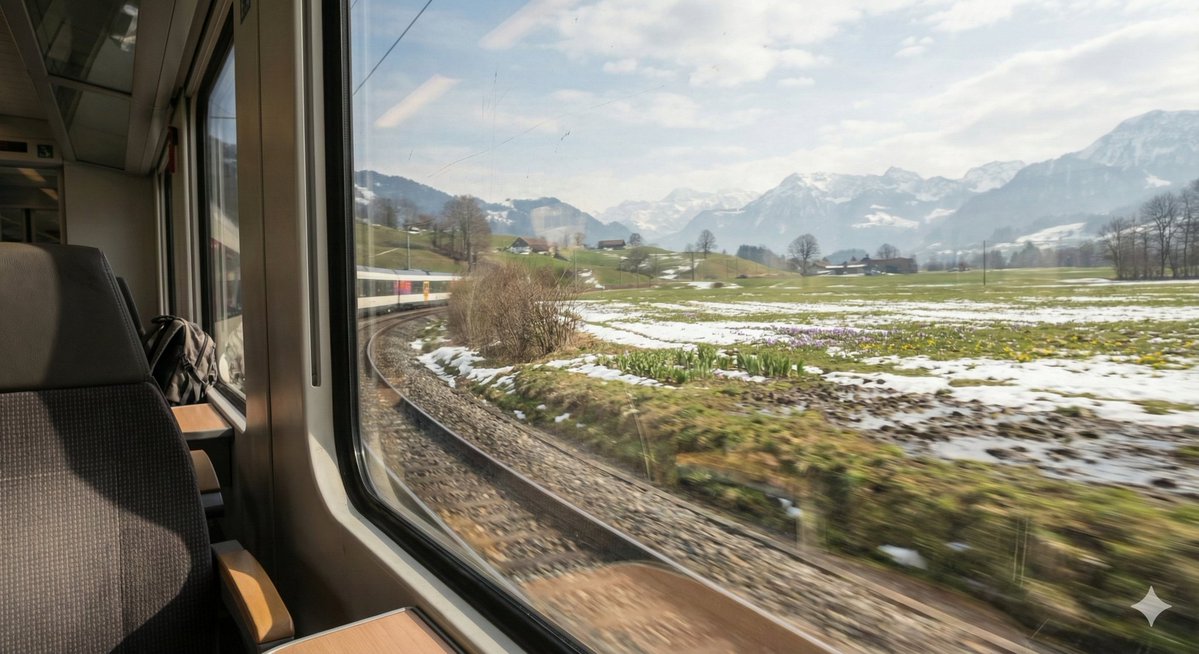
Cinematic Train Window View in European Spring – in a train, AI image made with Nano Banana Pro
Gemini
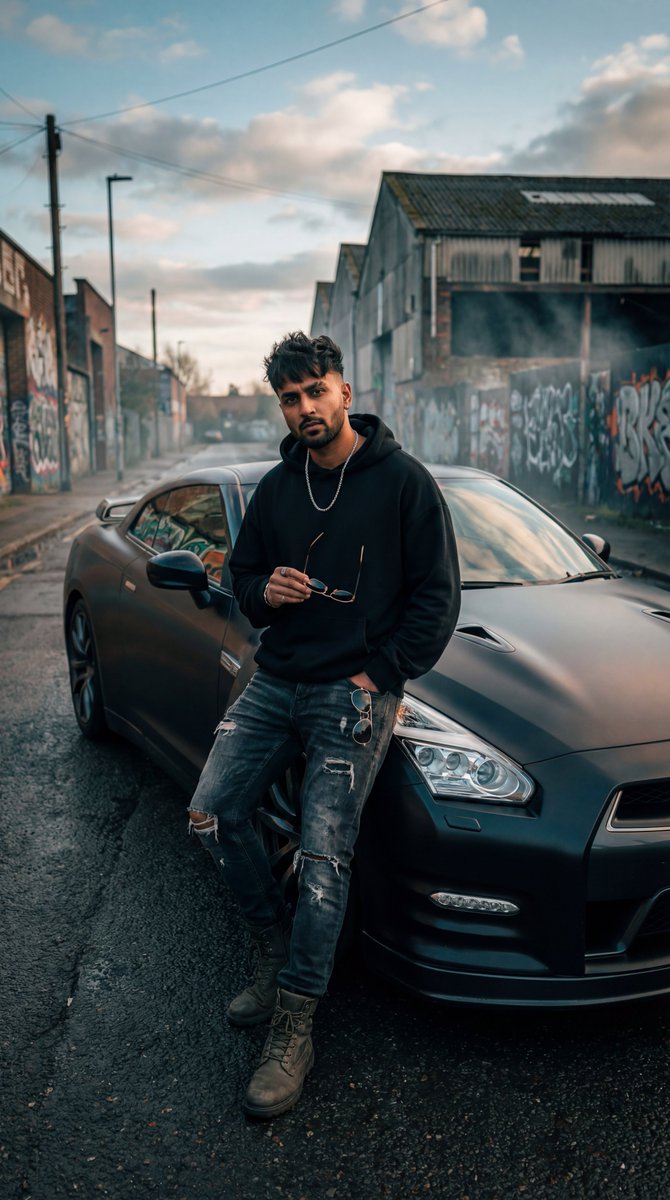
Grunge Street Photography Portrait with a Sports Car – man in a hoodie in a city street, AI image made with Nano Banana Pro
Gemini
Viral Car Restoration Reveal – in a car, AI image made with Nano Banana Pro
Trending
Gemini

Viral Car Restoration Reveal

Photo Restoration
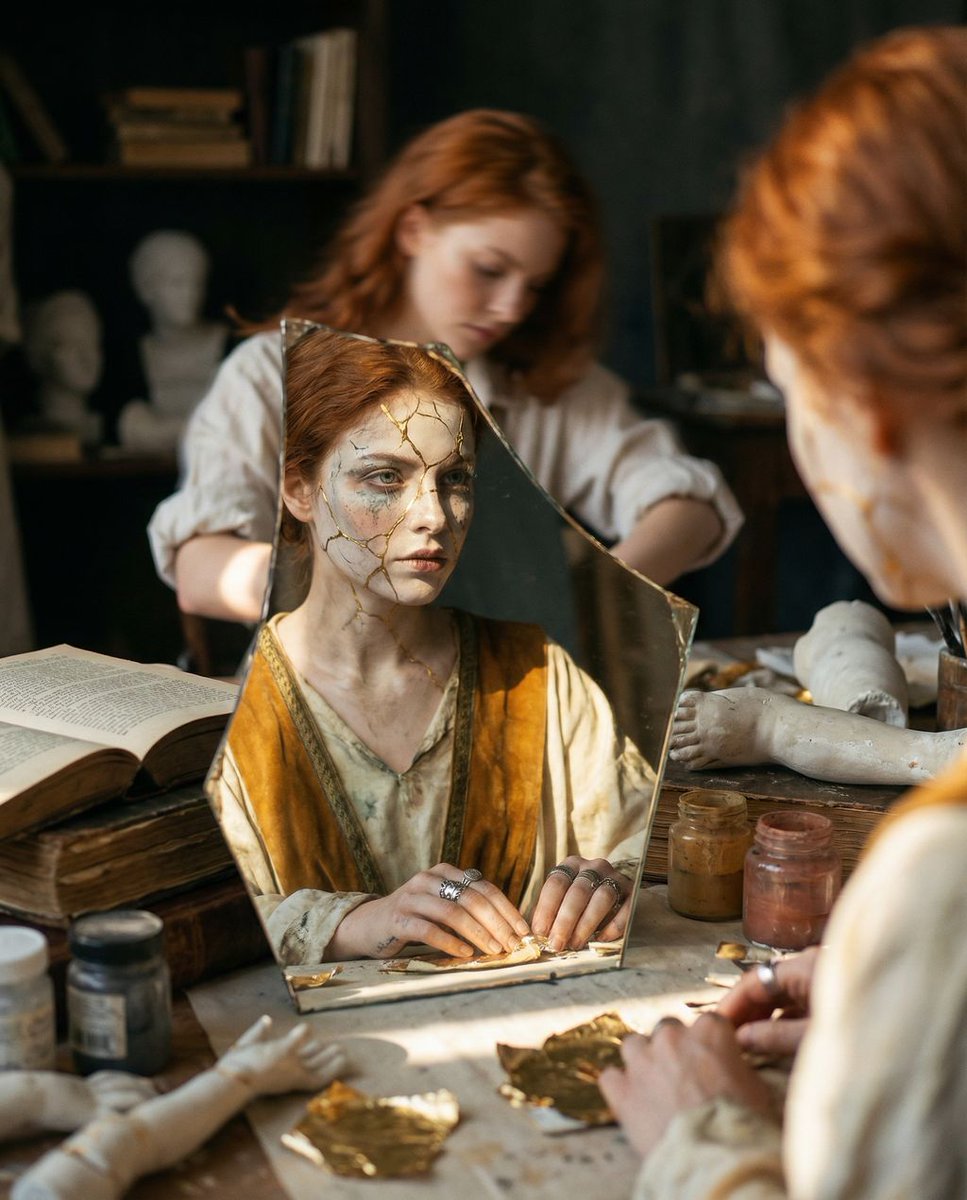
Reflected Relic: Surreal Artisan Portrait – woman in an open field, AI image made with Nano Banana Pro
Gemini
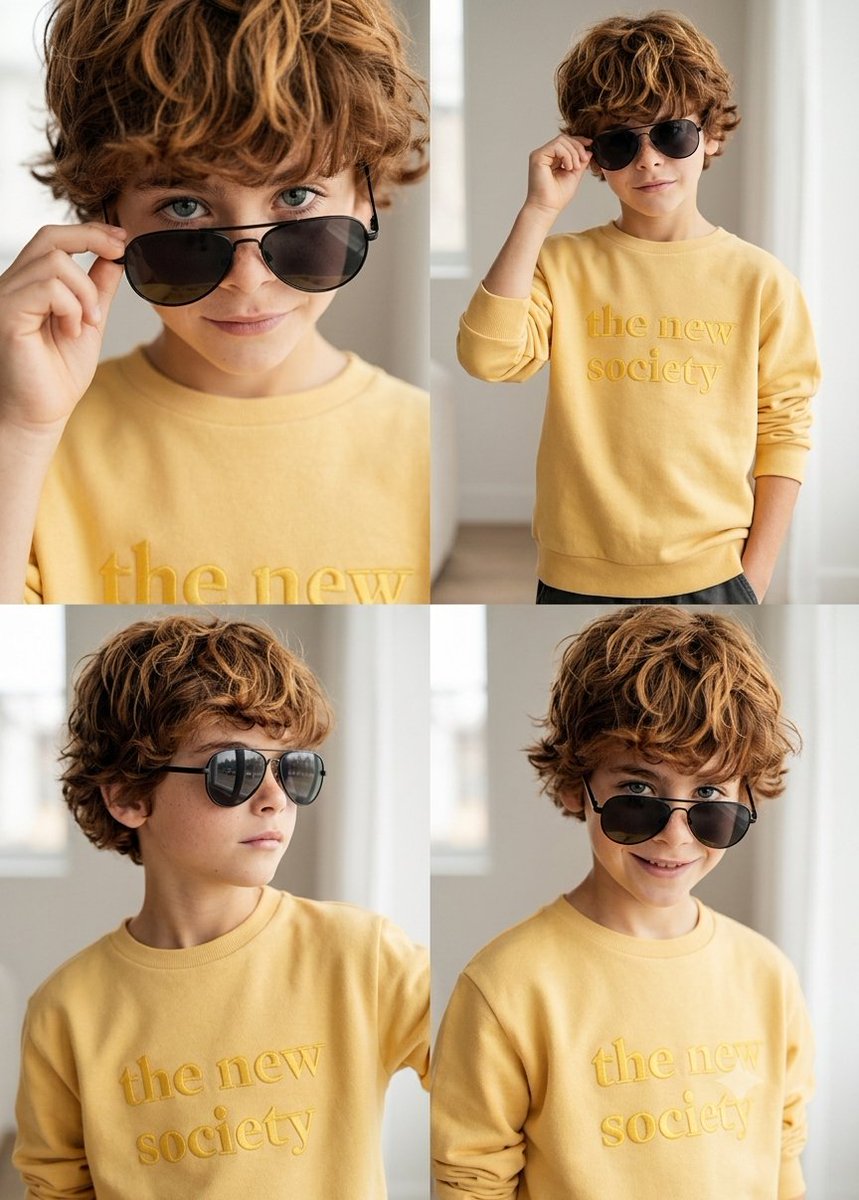
Consistent Child Portrait Photo Grid – man in sunglasses in an open field, AI image made with Nano Banana Pro
Gemini
Realistic Old Portrait Restoration – man in a bedroom, AI image made with Nano Banana Pro
Gemini
Hyperrealistic Ancient Roman Empire Coin – in a photo studio, AI image made with Nano Banana Pro
Gemini